What-If Analysis View Settings
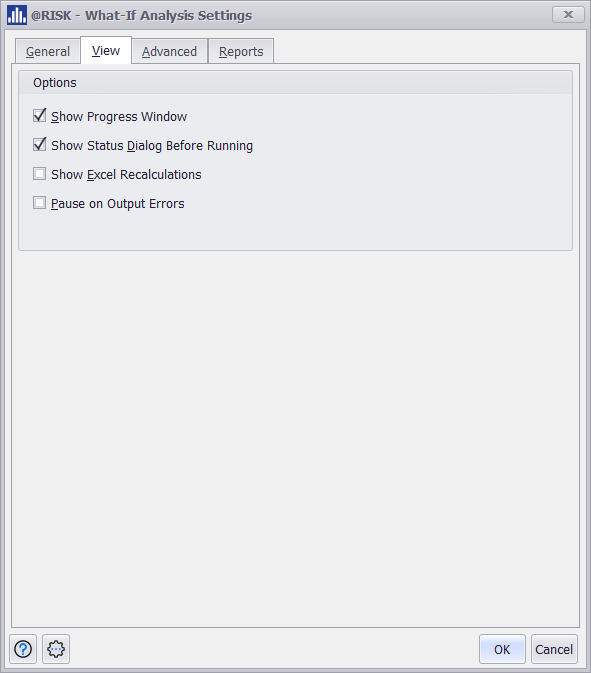
✔ Show Progress Window:
Displays a real-time progress window during the What-If analysis to visualize the steps being executed. Similar to the @RISK Progress Window.
Note: Multi-CPU is not supported during What-If Analysis Run
✔ Show Status Dialog Before Running:
Pops up a dialog summarizing the analysis settings and model definitions before the run begins, allowing a final check or cancellation.
Show Excel Recalculations:bnv
Enables Excel to visually update during each step of the analysis; slows performance but shows calculations live.
Pause on Output Errors:
Halts the analysis if an error occurs in any output cell, allowing the user to inspect and correct the issue before proceeding.